What’s converting best right now
This is a read of what’s holding in beginner retinol / first-time retinoid videos — the hooks, not a review of one upload.
Clips are winning when the first line names a fear, a mix-up, or a result. The ones stalling open on vibe — “GRWM,” “night routine,” “holy grail” — and only get to the claim after people have already scrolled. The set below is what’s actually converting.
Fear-removal for beginners
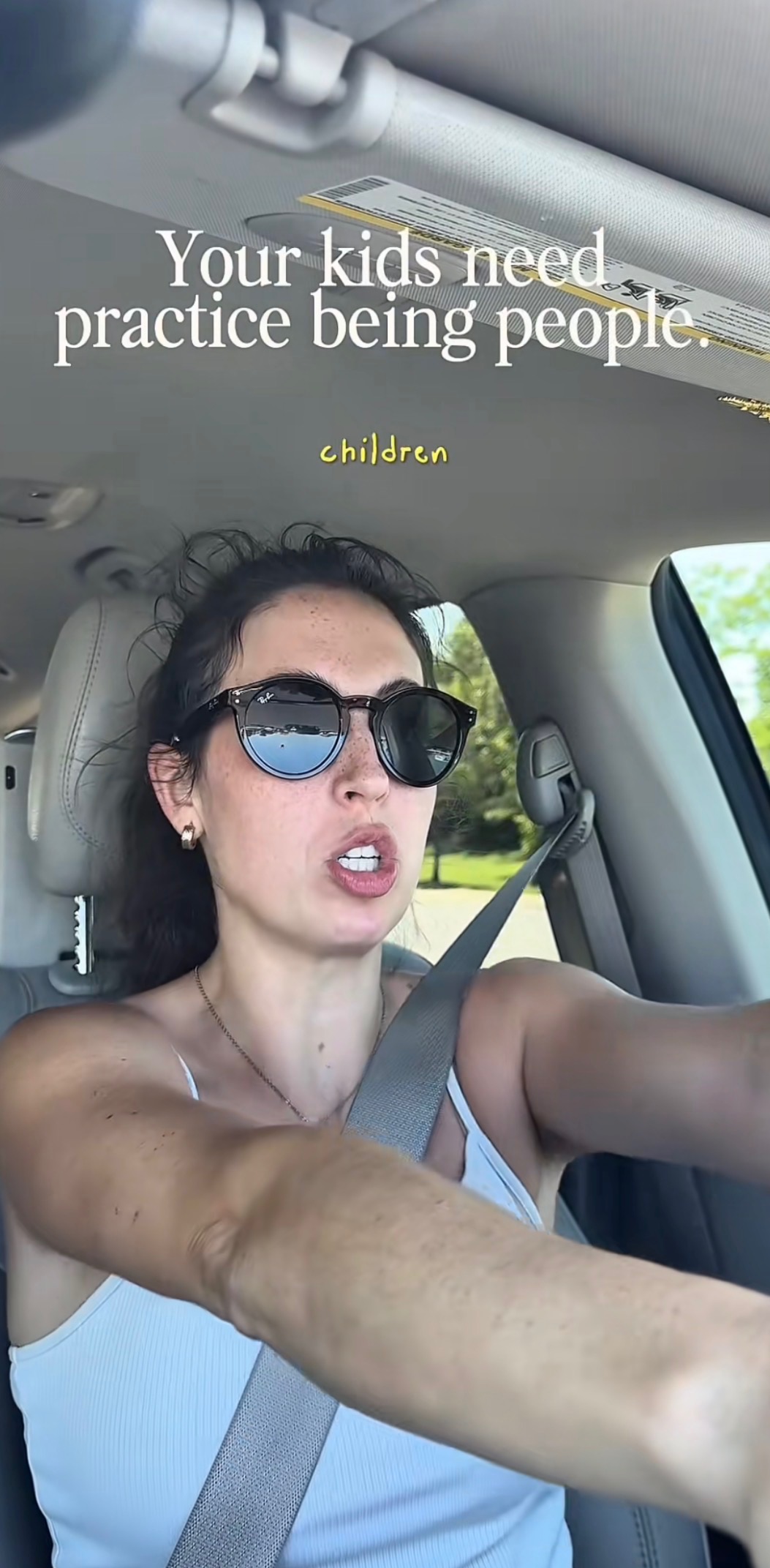
This is the strongest family. The hook is basically “retinol doesn’t have to wreck your face.” It works because the main objection is gone before a product even shows up. Jackie’s line is the cleanest version of that: retinol is not an extreme sport. The beginner-safe serum clip and the “dryness isn’t proof it’s working” clip do the same job with a calmer voice.
 TikTok
3.5M views
TikTok67.2K views
TikTok1.0M views
Diagnostic confusion hooks
Binary questions and myth-correction convert because they promise clarity in one second. Beginners stay for “am I doing this wrong?” The purge-vs-breakout overlay, the “you’re using too much” mistake, and the barrier-is-why-your-acne-isn’t-moving clip are all that shape.
TikTok203.9K views
TikTok611.7K views
TikTok108.8K views
Time-boxed routine proof
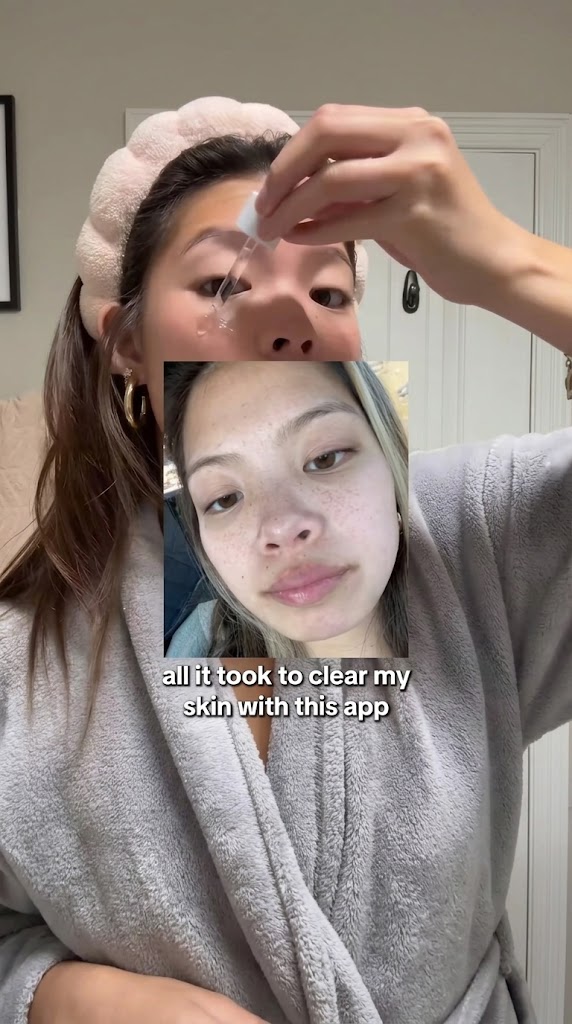
“Here’s what I did over X weeks” still works, but the better versions lead with a concrete skin problem or a reset plan — not just “routine.” A weekly clogged-pore schedule, an 8–10 week plan, and a tretinoin combo that finally stopped irritating are the ones that feel useful instead of aesthetic.
TikTok126.7K views
TikTok319.0K views
TikTok46.3K views
Identity-first framing
Call out the person in frame first — sensitive skin, acne-prone, combination, busy. That self-sort does the targeting. If they don’t see themselves in the first line, they don’t wait for the ingredient.
TikTok17.3K views
TikTok108.3K views
TikTok162.0K views
The angle that’s underrepresented
What’s missing is beginner-safe retinoid coaching that feels like a protocol, not a rec.
Most of the feed is still routine porn, straight product praise, or generic anti-aging. Very few clips own the space between “I’m scared to start” and “here is the exact low-irritation first step” — frequency, amount, and what irritation is *not* supposed to look like. Kiyo’s “how often to use this” breakdown is the closest thing in the pack. That’s the gap.
TikTok1.8M views
Hooks you can steal this week
If you write the first three seconds like a mood board, people scroll. The clips that are holding treat that window like a promise: name the fear or the mix-up, then show the face or the product. Don’t open on a GRWM sticker and hope they wait for the ingredient.
“If retinol scares you because of peeling, start here” is the fear-removal job Jackie’s clip is already winning. “The biggest beginner retinol mistake is not what you think” is the diagnostic shape — it sounds like you’re about to unstick them. “If I had to start retinoids again with sensitive skin, this is the plan” is the underrepresented angle: identity plus a first step, not a rec. And “dryness is not proof your retinol is working” keeps showing up because beginners are still using irritation as a scoreboard.
On screen, the overlay has to carry the claim immediately — “purging vs breakout,” “POV: sensitive skin,” “week 1–2 morning.” The clip can be quiet. The text cannot be vague.